Take the faster path to growth. Get Smith.ai today.
Affordable plans for every budget.



Most law firms lose revenue before a single billable hour is logged — through missed calls, inconsistent intake, and skilled staff buried in administrative work. This guide breaks down seven specific automation ideas that address the highest-leverage points in a law firm's front office: from how calls are answered at 11 p.m. on a Saturday to how a new matter gets created in Clio without anyone touching a keyboard. Each idea is grounded in what actually moves the needle for solo-to-25-attorney firms, not what sounds good in a software demo.
Law firm automation is the practice of replacing manual, repetitive front-office tasks — call handling, intake data collection, lead qualification, CRM entry, and appointment scheduling — with systems that execute those steps consistently, at any hour, without consuming attorney or paralegal time. The firms that get this right don't just run leaner. They convert more of the leads they're already paying to generate, and they do it without adding headcount. The firms that don't are quietly losing cases to competitors who pick up the phone faster.
Here's the uncomfortable math: the average attorney spends fewer than 2.5 hours per day on billable work. The rest goes to administrative overhead — answering calls, chasing intake forms, manually logging contact data, scheduling consultations. Automation doesn't solve every problem in that stack, but it solves the most expensive ones. This guide walks through seven specific ideas, in the order they tend to have the most impact, with enough detail to actually implement them.
The most common automation mistake law firms make is starting too late in the intake process. They automate the form, the e-signature, the CRM entry — but they leave the first moment of contact completely unmanaged. That moment is the phone call at 7:43 p.m. on a Tuesday when your office is closed and a potential client in a custody dispute needs to talk to someone.
Eighty percent of callers who reach voicemail don't leave a message. They call the next firm on the list. That's not a technology problem — it's a coverage problem that technology can solve. A 24/7 call-handling layer, whether AI-driven, live-agent-backed, or both, is the single highest-leverage automation a law firm can deploy because it captures leads that would otherwise never enter your system. You can't follow up on a caller you never knew existed.
Smith.ai's AI Receptionist handles this with a hybrid model: AI handles the structured parts of the call — greeting, initial qualification questions, routing logic — and live agents step in for the moments that require judgment, empathy, or complexity. For a firm handling family law, immigration, or criminal defense, that distinction matters. A caller in crisis doesn't want a menu. They want to feel heard. The system is designed so the transition between AI and human is invisible to the caller.
The practical setup: define your after-hours call policy, your routing rules (which call types go to an on-call attorney vs. get scheduled for the next morning), and your escalation triggers. The automation layer executes those rules every time, without exception.
Most law firm intake forms are built for the firm's convenience, not the client's. They ask the same twenty questions of every caller regardless of practice area, case type, or whether the person is even a viable lead. The result: paralegals spend time processing submissions from people the firm would never take on, and genuinely qualified leads get the same generic experience as everyone else.
Conditional intake workflows fix this. Instead of a linear form, the intake branches based on answers. A personal injury intake that detects the incident was more than three years ago can immediately surface a statute of limitations flag. A criminal defense intake that identifies a DUI arrest can route to a different response than one involving a drug possession charge. The form — or the call script — adapts in real time.
This matters for two reasons. First, it filters unqualified leads before they consume attorney time. Second, it collects better data on the leads that do qualify, because the questions are specific to their situation rather than generic. When that data flows into your CRM, it's actually useful for the attorney reviewing the matter — not just a name and a phone number.
For firms using Lawmatics or Clio, conditional intake data can map directly to matter fields, eliminating the manual re-entry step that typically happens between "call received" and "matter opened." That's not a minor efficiency gain — it's the difference between intake that takes 45 minutes of staff time and intake that takes four.
Qualification is where most law firm automation efforts fall apart, because firms try to automate a process they haven't clearly defined. Before any system can qualify a lead, someone has to answer: what makes a lead worth an attorney's time?
For a personal injury firm, it might be: incident within the statute of limitations, liability reasonably clear, damages above a threshold, and the caller hasn't already signed with another attorney. For an estate planning firm, it might be: asset level above a floor, specific planning need (trust, will, business succession), and geographic jurisdiction. These criteria are firm-specific and practice-area-specific. Generic intake software can't define them for you — but once you define them, it can enforce them consistently on every single call.
Smith.ai's legal intake service is built around this principle. The qualification workflow is configured per firm, per practice area. Calls that meet the criteria get routed to the appropriate attorney or scheduled for a consultation. Calls that don't get a graceful, professional response — and the firm never has to spend time on them. The key word is "consistently." A paralegal who's been on the phone for three hours will qualify leads differently than one who just started their shift. An automated system doesn't have that variance.
The downstream effect on CRM data quality is significant. When qualification criteria are enforced at the intake stage, the pipeline reflects reality. Attorneys aren't reviewing matters that were never viable. Conversion rates from consultation to retained client improve — not because the attorneys got better at selling, but because the leads reaching them are genuinely qualified.
Manual data entry is the silent tax on every law firm's front office. A call comes in, someone takes notes, those notes get typed into the CRM, the CRM entry gets reviewed, corrections get made. At a firm handling 50 new inquiries a month, that process consumes dozens of hours — and introduces errors at every handoff.
The fix is direct integration between your call-handling layer and your practice management system. When a call ends, the contact record, the intake data, the call summary, and the next-step action should all appear in the CRM automatically. No transcription. No re-entry. No "I forgot to log that call."
Smith.ai integrates with the major legal CRMs — including Clio, MyCase, PracticePanther, and Lawmatics — so that every handled call creates or updates a record without human intervention. For firms on Clio, that means a new contact and matter can be created from a single call. For firms on Lawmatics, the intake data maps to pipeline stages automatically. The attorney opens the CRM and the record is already there, populated with the information that was collected during the call.
This isn't just a time-saving feature. It's a data integrity feature. When intake data enters the CRM through a structured, automated pathway rather than through manual entry, it's consistent. Field values match. Dates are formatted correctly. The pipeline reflects what actually happened, not what someone remembered to type in at the end of a busy day.
Scheduling a consultation is a surprisingly expensive process when done manually. The back-and-forth to find a time, the calendar hold, the confirmation email, the reminder the day before, the follow-up if the person doesn't show — each step is small, but collectively they represent a meaningful chunk of front-office time, and they're almost entirely automatable.
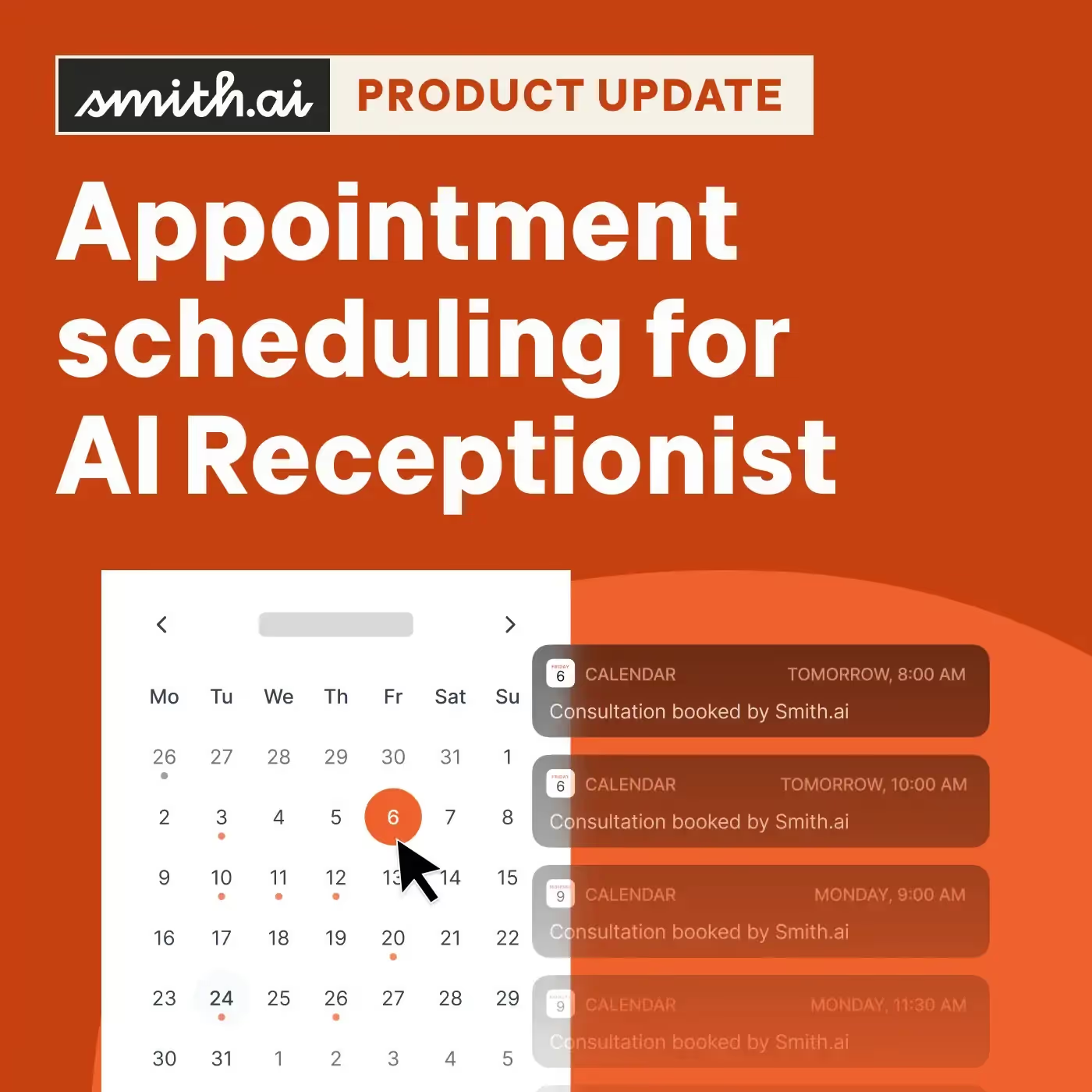
The highest-leverage version of this automation happens during the intake call itself. Rather than collecting contact information and promising that "someone will reach out to schedule," the intake system books the consultation in real time, on the attorney's actual calendar, with a confirmation sent immediately. The caller hangs up with a scheduled appointment. The attorney's calendar is updated. No follow-up call required.
The reminder loop — confirmation email, 24-hour reminder, day-of reminder — runs automatically. No-show rates drop. The firm doesn't have to chase people who forgot they had an appointment. And when someone does need to reschedule, the system handles that without involving a paralegal.
For firms evaluating how to build this layer, the complete guide to AI receptionists covers what to look for in a system that can handle real-time scheduling reliably — including the integrations and routing logic that make it work under actual call volume, not just in a demo.
Not every qualified lead retains on the first call. Some people are still in research mode. Some need to talk to a spouse. Some are comparing two or three firms before deciding. The firms that win those leads are the ones that stay in front of them — professionally, persistently, and without requiring a paralegal to manually track who needs a follow-up call this week.
Automated follow-up sequences solve this. A lead who doesn't schedule after the initial call enters a sequence: a text message within the hour, an email the next morning, a call attempt two days later. Each touchpoint is logged in the CRM. If the person responds at any point, the sequence stops and a human takes over. If they don't respond after a defined number of attempts, the lead is marked inactive and no more time is spent on it.
The key design principle here is that the sequence should feel like a firm that cares, not a firm that's running a drip campaign. The messages should be specific to the practice area and the caller's situation — not generic "just checking in" emails. A family law firm following up with someone who called about a divorce should reference that context. A criminal defense firm following up after an after-hours call should acknowledge the urgency of the situation.
This is where the hybrid AI and live agent model has a structural advantage over pure-AI systems. AI can execute the sequence reliably. But when a lead responds and the conversation requires judgment — "I'm still not sure if I can afford an attorney" — a live agent who understands the firm's practice and fee structure is better positioned to convert that lead than an AI that can only follow a script.
The automation ideas above will improve your front office immediately. But the firms that sustain that improvement are the ones that build a feedback loop into the system — so that problems get caught and corrected before they become patterns.
What does a quality loop look like in practice? Every call gets reviewed against defined criteria: Was the caller greeted correctly? Were the right qualification questions asked? Was the data captured accurately? Was the next step scheduled? When a call fails one of those criteria, the failure gets flagged, the cause gets identified, and the system gets updated. The same gap doesn't happen twice.
This is the part of law firm automation that most vendors don't talk about, because it requires operational infrastructure that's hard to build. It's also the part that separates systems that work well at launch from systems that work better at month six than they did at month one. Smith.ai's approach — which combines AI call handling with a 500+ agent live network and a structured quality review process built on 25 million calls handled since 2015 — is designed around this principle. The AI improves because every call is evaluated. The live agents improve because their calls are reviewed. The firm benefits because the system is self-correcting rather than static.
If you're evaluating vendors for any part of this stack, the second part of the AI receptionist buyer's guide covers how to assess quality assurance infrastructure specifically — what questions to ask, what answers should concern you, and what a real quality loop looks like versus a marketing claim.
Law firm automation isn't a single tool or a single decision. It's a set of deliberate choices about where human time is too valuable to spend on tasks a system can handle reliably. The seven ideas above — 24/7 call coverage, conditional intake workflows, structured qualification, CRM integration, automated scheduling, follow-up sequences, and a quality feedback loop — address the highest-cost failure points in a law firm's front office. Implemented together, they don't just save time. They capture revenue that's currently walking out the door every time a call goes to voicemail at 8 p.m.
The firms that move on this now have a compounding advantage: every month the system runs, it gets better calibrated to the firm's specific practice, client profile, and conversion patterns. The firms that wait are funding that advantage for their competitors. If you want to see what this looks like for a firm your size and practice type, book a consultation with Smith.ai — or explore AI Receptionist pricing to understand what the investment looks like relative to what a single missed case costs.


%20(1).avif)
%20(1)%20(1).avif)
%20(1)%20(1).avif)


