Take the faster path to growth. Get Smith.ai today.
Affordable plans for every budget.


You're reading Part II of The Complete Guide to AI Receptionists. Read Part I here.
When you can't articulate what problem you're solving, you can't evaluate whether a vendor is solving it. You can't negotiate a contract that covers your specific needs. And you can't onboard effectively because nobody agrees on what success looks like. Hundreds of SMBs make the same mistake every month: they buy an AI receptionist without doing this work first, and spend months troubleshooting why it doesn't perform.
In Part I, we explored the AI call handling landscape: from basic AI voicemail to full AI workforce platforms, and why the differences between them matter more than most buyers realize. Now it's time to turn the lens inward toward your own business.
Think of this as your pre-sales call prep. If a vendor conversation is on your calendar, this is the work that makes that call productive instead of exploratory.
Before you can define what you need, be honest about what's not working. Not abstract. Not "our phone system is outdated." Specific. The sharper you are about your pain, the easier vendor evaluation becomes. You'll recognize whether a vendor actually solves your problem, or just talks around it.
Every missed call is a potential client who called a competitor instead. For a law firm, that's a $5,000 case. For a home services company, a $2,500 job. For an IT/MSP, a recurring monthly contract worth thousands over the year. You don't see the cost because the caller never enters your system as a lead — but it's there, every day, compounding.
The most dangerous version: businesses that don't even know how many calls they're missing. They make decisions on gut feel instead of data. They assume "a few calls go to voicemail." Then they look at their call logs and realize it's 30% of inbound traffic. That realization changes everything. Law firms face a particularly acute version of this problem — as detailed in our guide to after-hours call answering for law firms, the revenue impact of missed calls compounds fastest during evenings and weekends when potential clients are most likely to reach out and least likely to leave a voicemail.
This is about opportunity cost. Ask yourself: Who is answering the phone right now? What would they be doing if they weren't? How do they feel about it?
If your $85,000/year paralegal is spending two hours a day fielding intake calls and scheduling, that's not just a phone problem. It's a $20,000+ misallocation of skilled labor. Every ring is a context switch that pulls your best people away from the work that actually grows the business.
This is one of the most common drivers of support staff turnover. Paralegals, office managers, and technicians didn't take their jobs to answer phones — and when phone duty becomes a permanent fixture, they start looking for roles where it isn't. Replacing them costs 50–200% of their salary. Meanwhile, every hour they spend answering calls is an hour not spent on revenue-generating work: billable tasks, client deliverables, the work that actually shows up on your P&L.
Your phone is often the first interaction a potential customer has with your business. If they hit voicemail, get a robotic greeting, or reach a frazzled receptionist who can't answer basic questions, that impression sticks. It shows up in Google reviews. It shapes word-of-mouth referrals. And it's almost impossible to undo.
Inconsistent caller experience equals inconsistent brand. You send out polished marketing. Your website looks professional. Your sales team is sharp. And then someone calls after hours and hits a generic voicemail greeting. In competitive markets, brand perception is the tiebreaker. One bad phone experience can undo months of brand-building work.
For many small businesses, it's not just about avoiding bad impressions — it's about creating the right one. The right AI receptionist doesn't just prevent brand damage; it creates brand leverage you couldn't afford to staff for. Solo and small law firms evaluating their options will find a practical breakdown of how different service tiers affect caller experience in our guide to the best answering services for small law firms, including how to match a solution to your firm's size and budget.
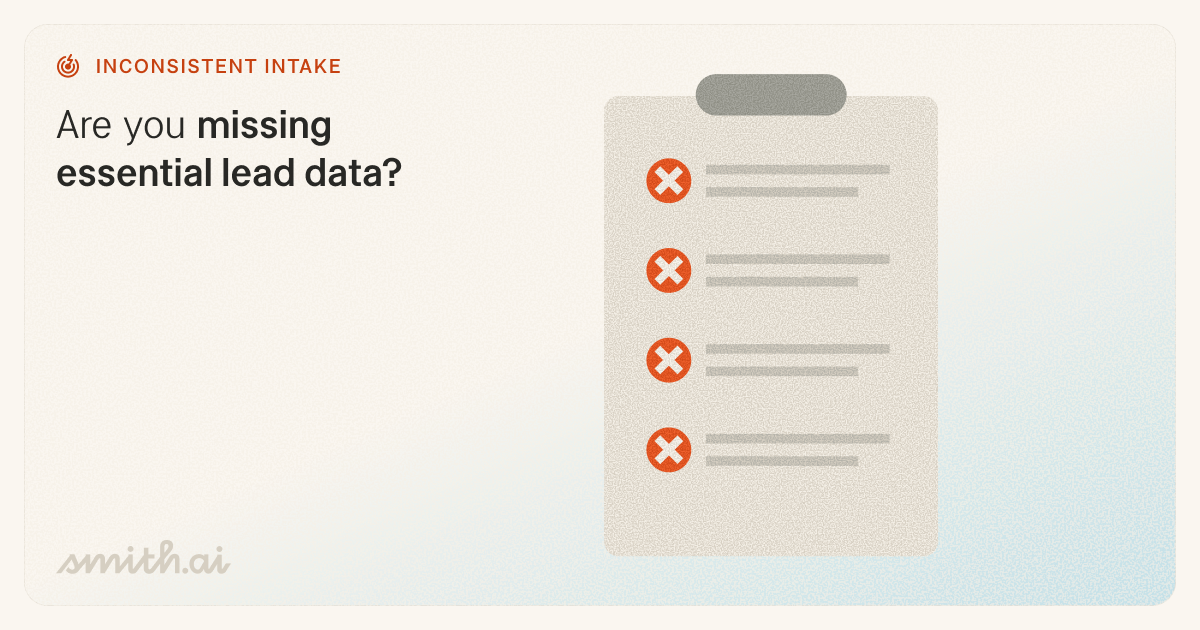
When different people collect different information — or the same person collects different information depending on how busy they are — your intake is a liability, not a system. Leads come in with missing details. Your team spends time chasing basics they should have captured on the first call. Worse, unqualified leads get passed to senior staff who waste time on calls that should have been filtered out.
Bad intake doesn't just affect the caller experience. It compounds downstream: longer sales cycles, wasted consultations, inaccurate pipeline data, and a team that doesn't trust its own lead flow. If your intake process depends on who happens to answer the phone, it's not a process — it's a coin flip.
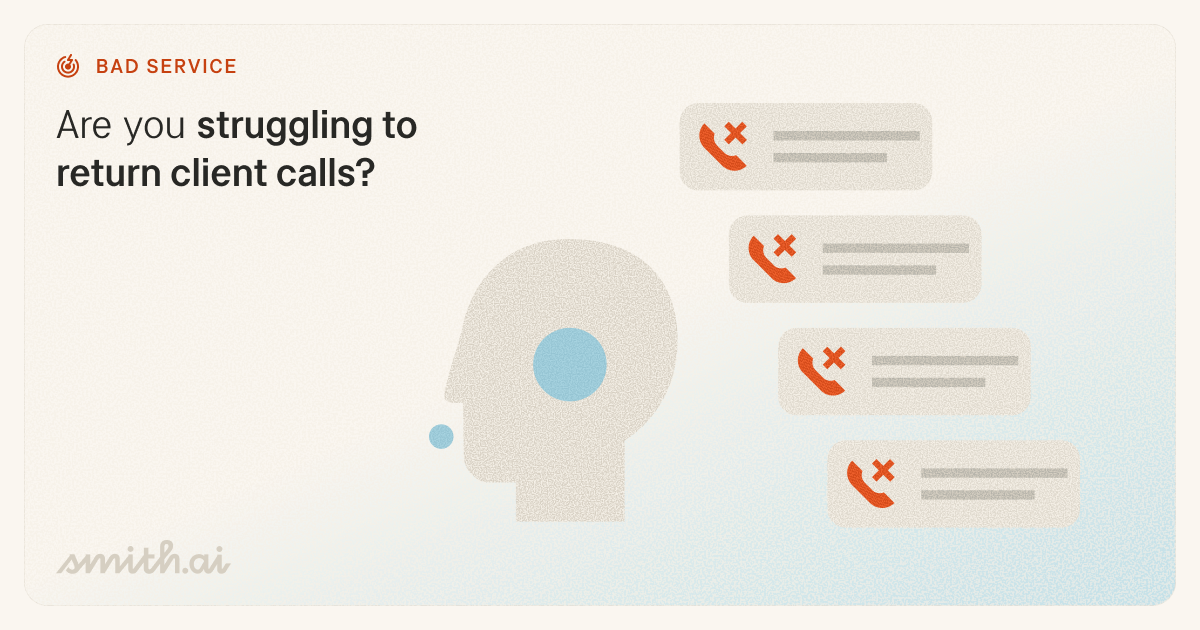
This one gets overlooked because most businesses focus obsessively on acquiring new customers. But your existing clients are calling too: for updates, follow-ups, questions, scheduling. If those calls go unanswered or unreturned for hours (or days), client satisfaction erodes quietly.
They don't always complain. Some will leave a review or file a bar complaint; others will silently disappear. Retention is cheaper than acquisition, but only if you actually service the clients you already have. An AI receptionist that handles after-hours callbacks or routes urgent client calls to the right person isn't a luxury — it's retention insurance. For personal injury firms in particular, the stakes are even higher: an after-hours call from a potential client may carry statute-of-limitations implications, which is why AI receptionists built specifically for personal injury law firms combine 24/7 intake with live agent escalation for time-sensitive situations.
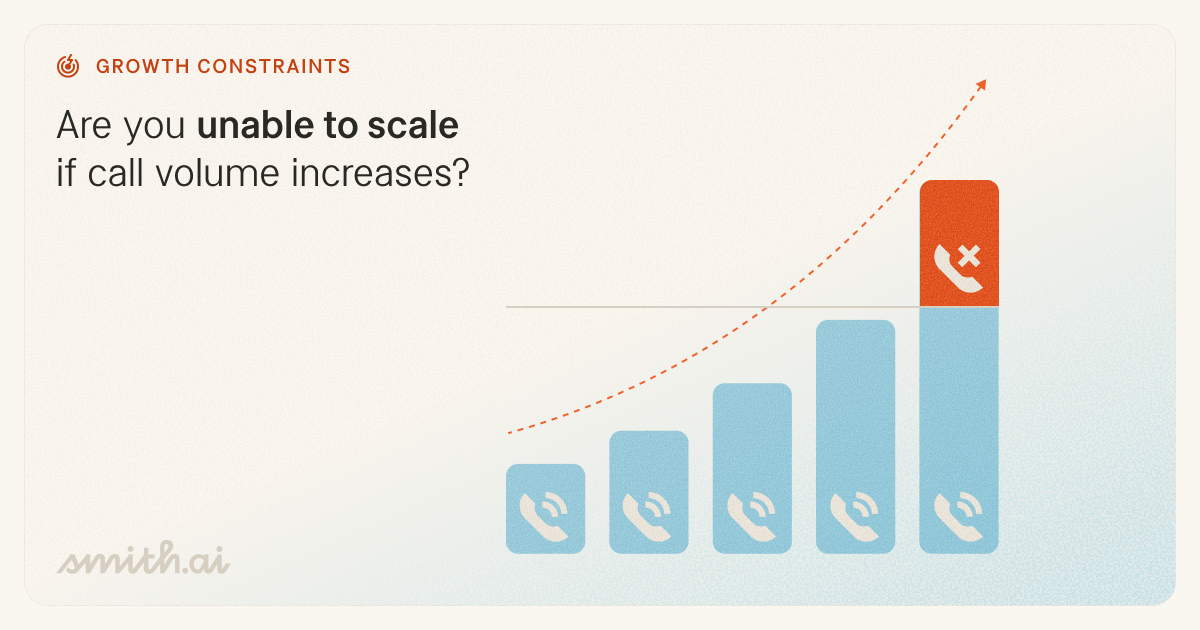
You invest in marketing, SEO, and advertising. It works: call volume goes up. But your front office can't absorb the increase. Calls roll to voicemail. Hold times spike. Your marketing ROI evaporates because the phones can't keep up. This is the scalability trap.
Ask yourself: Are you planning to grow your business? How scalable does your phone solution need to be? The right AI receptionist doesn't just handle today's volume; it handles tomorrow's without adding headcount. It's the difference between growth that costs you everything and growth that actually scales.
If two or more of these pain points describe your business, you're not alone — and you're ready for the next step: translating pain into specific outcomes.
Pain points tell you why you need an AI receptionist. Jobs to be done tell you what it actually needs to do. The distinction matters because vendors love to demo features, but features only matter if they map to the specific outcomes your business requires.
Before you look at any vendors, write down the specific outcomes you're trying to achieve. Not features — outcomes.
Identify which of these common jobs matter most to you:
Write your list, then rank it. Determine which are non-negotiable — e.g., your top three — and which are nice-to-haves. This is what you bring into vendor conversations.
You've identified pain. You've mapped jobs to be done. Now put a number on it. This is a two-minute exercise that fundamentally changes how you evaluate vendor pricing.
Instead of asking "How much does this cost?", you'll ask "How much is this problem costing me?" Those are different conversations. The second one is where deals happen.
First, gather the following inputs:
Then plug them into this formula: Client value x Missed calls/day x Lead rate x Close rate.
The result is the revenue your business is losing from missed calls on an average day. Multiply that number by 30 to get your monthly revenue loss.
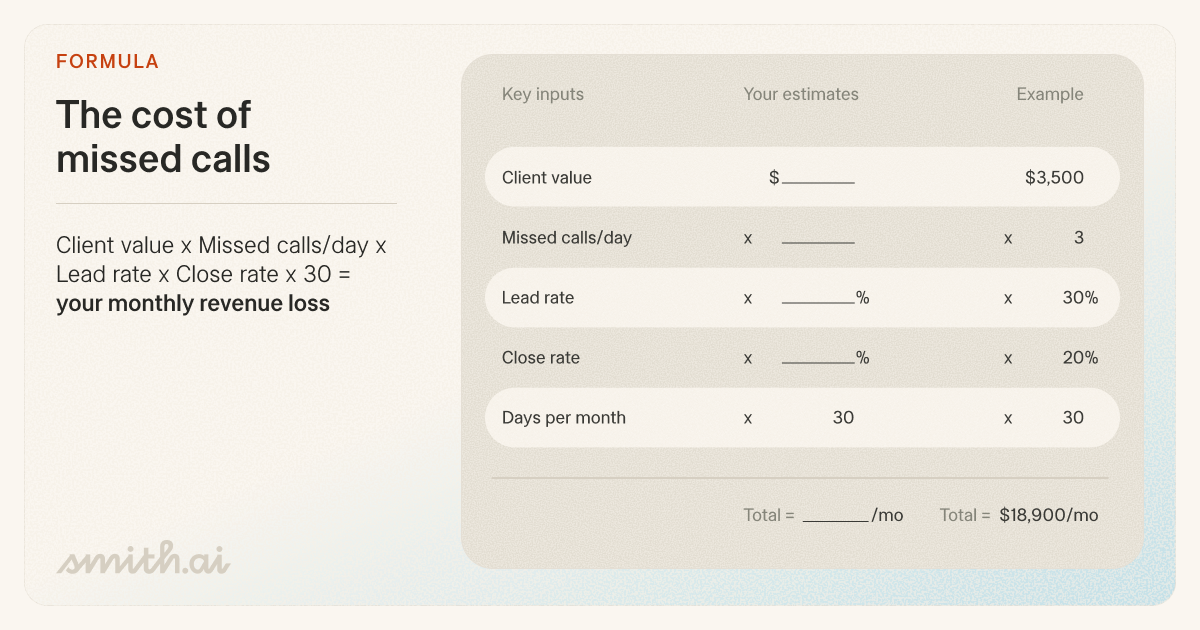
When you quantify the problem, you're no longer comparing AI receptionist costs to nothing. You're comparing them to the cost of your problem — and that's just from missed calls. Factor in the revenue lost when intake was incomplete and your team spent time chasing basic information instead of closing, and the real number is higher.
When you sit down with a vendor and they quote you $100 or $500 or $1,000 a month, you'll know instantly whether that number is trivial compared to the problem it solves, or whether the ROI math doesn't pencil out for your business. Either answer is valuable.
At Heartland Law Group, the attorneys and their paralegal are frequently out of the office for hearings. Without someone to man the front desk, their phone can go unanswered for hours at a time.
$4,500 x 3 x 0.30 x 0.35 = $1417.50 per day
x 30 = $42,525 in revenue lost every month
Counting every new lead that called, Heartland left up to $121,500 on the table without a conversation.
Scenario B — Overwhelmed staff
At TrueFlow Plumbing, Heating & Air, one dispatcher runs the phones while also coordinating technician routes, ordering parts, and managing supplier callbacks. During peak season — summer AC calls and winter heating emergencies — the volume spikes and calls regularly roll to a voicemail that most callers simply hang up on.
$850 x 6 x 0.40 x 0.50 = $1020 per day
x 30 = $30,600 in revenue lost every month
If they increased their close rate, TrueFlow could be missing out on up to $61,200 in revenue.
Once you've run your calculation, you're done with the hardest part. You understand what problems you're solving, what tasks you're hiring for, and how much that new AI receptionist hire could be worth to your business. Now it's time to start recruiting.
In Part III, we'll cover system mapping, integration expectations, and the evaluation framework that separates vendors that actually deliver from vendors that overpromise. You'll learn what questions to ask, what to look for in a demo, and how to negotiate a contract that protects you.
Stay tuned for The Complete Guide to AI Receptionists, Part III.
Want one-on-one help mapping your requirements to the right solution? Book a free consultation with a product expert.

Aaron is the CEO and co-founder of Smith.ai. Formerly CTO of The Home Depot and co-founder of Redbeacon, he also played a pivotal role in Google Video's inception and later led YouTube's monetization efforts.


