Take the faster path to growth. Get Smith.ai today.
Affordable plans for every budget.


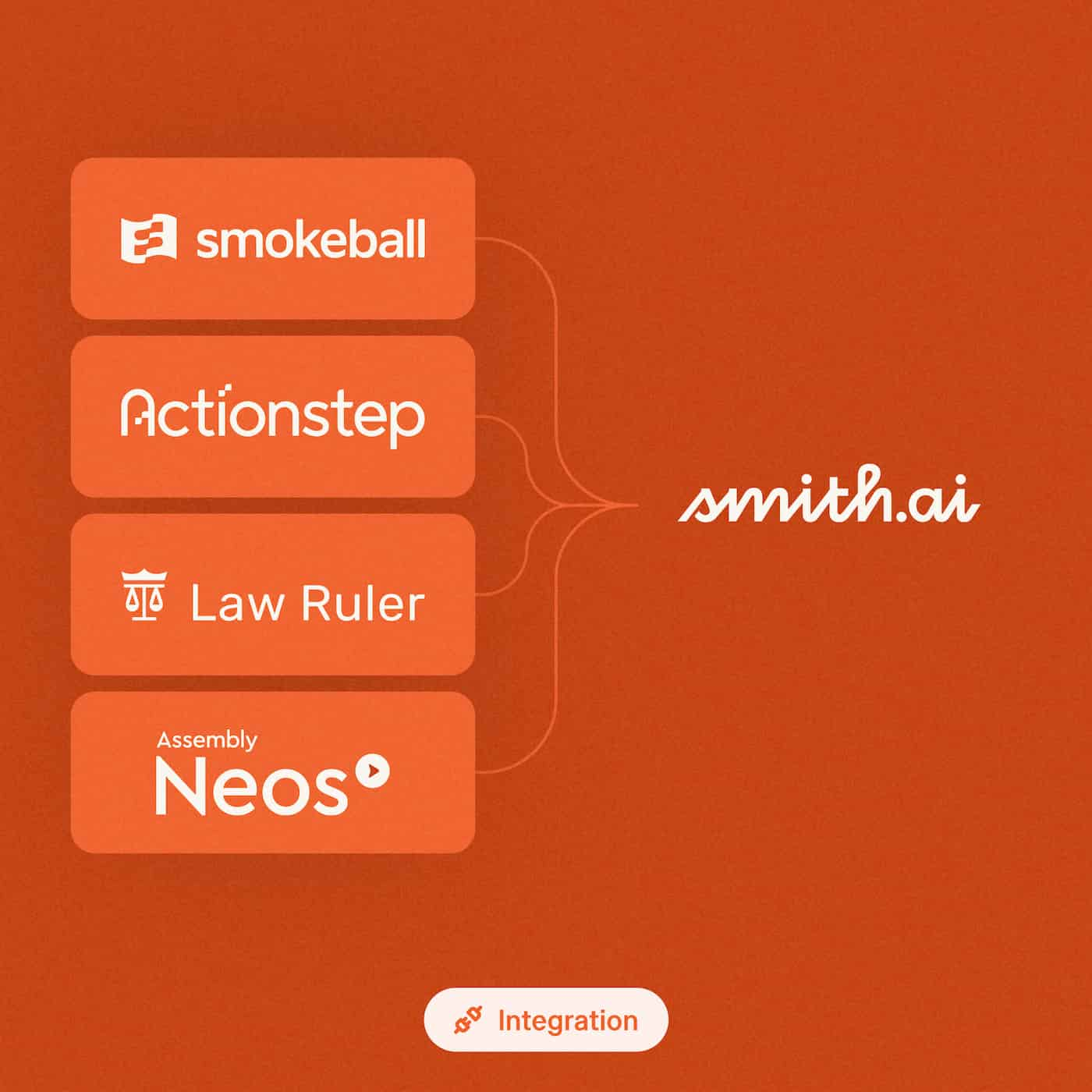
Connect your case management and intake tools from your AI Receptionist dashboard in minutes, and every call lands in your system of record.
Four of the most-used legal practice management and intake tools now connect to Smith.ai right from your AI Receptionist dashboard: Smokeball, Actionstep, Law Ruler and Assembly Neos. Pick your tool, click Connect, and you’re set up in minutes, with no support ticket. SmartAdvocate also joins as our newest integration partner.
These updates build on our recent Lawmatics and Acuity Scheduling upgrades, so more of your legal tech stack works with Smith.ai from day one.
Your firm already runs on a stack: a calendar for consultations, an intake CRM for new leads, and a practice management system for the cases you sign. Smith.ai keeps all three in sync, so every caller’s details land where your team works.
Say someone calls your firm at 9:40 pm on a Tuesday after a slip and fall. AI Receptionist asks the intake questions you set for personal injury callers: when it happened, where, whether she's seen a doctor. By Wednesday morning, she's already in Smokeball or Actionstep as a contact with a lead matter, and the call is waiting as a task with her answers, the summary and the recording.
The Legal Intake Report, our study of 3.2 million calls Smith.ai answered for 4,210 US law firms, shows where intake leaks:
Scheduling integrations close the first gap. Calendly, Acuity Scheduling and other calendar tools connect from your dashboard, and AI Receptionist books those consults itself, with no per-appointment live-agent charge.
Case management integrations close the second. The intake lands in your system, so nobody spends their week retyping call notes. Per Clio's 2025 Legal Trends Report, growing firms use time-saving automation twice as much as stable firms, and your best paralegal didn't take the job to copy call notes into your practice management software.
That’s what this round of updates is for: more of your stack connected, with less setup on your end.
Go to the Integrations tab in your AI Receptionist dashboard, pick your tool, and click Connect.
Full setup steps for each are in our help center: Smokeball, Actionstep, Law Ruler, Assembly Neos.
If you're new to Smith.ai, book a free consultation and we'll show you how Smith.ai connects to your legal tech stack, from the consult on your calendar to the call logged in your system of record.
We’ll keep sharing updates as we connect Smith.ai to more of the tools your firm runs on.

Mei Loo is a Product Marketing Manager at Smith.ai.


